



About
This Filtered Text Component is no longer supported in the COVE Editor. The functionality is now available in most modules as variables.
Filtered Text Module is Not Supported
Notice
This Filtered Text Component is no longer supported in the COVE Editor. The functionality is now available in most modules as variables.
Overview
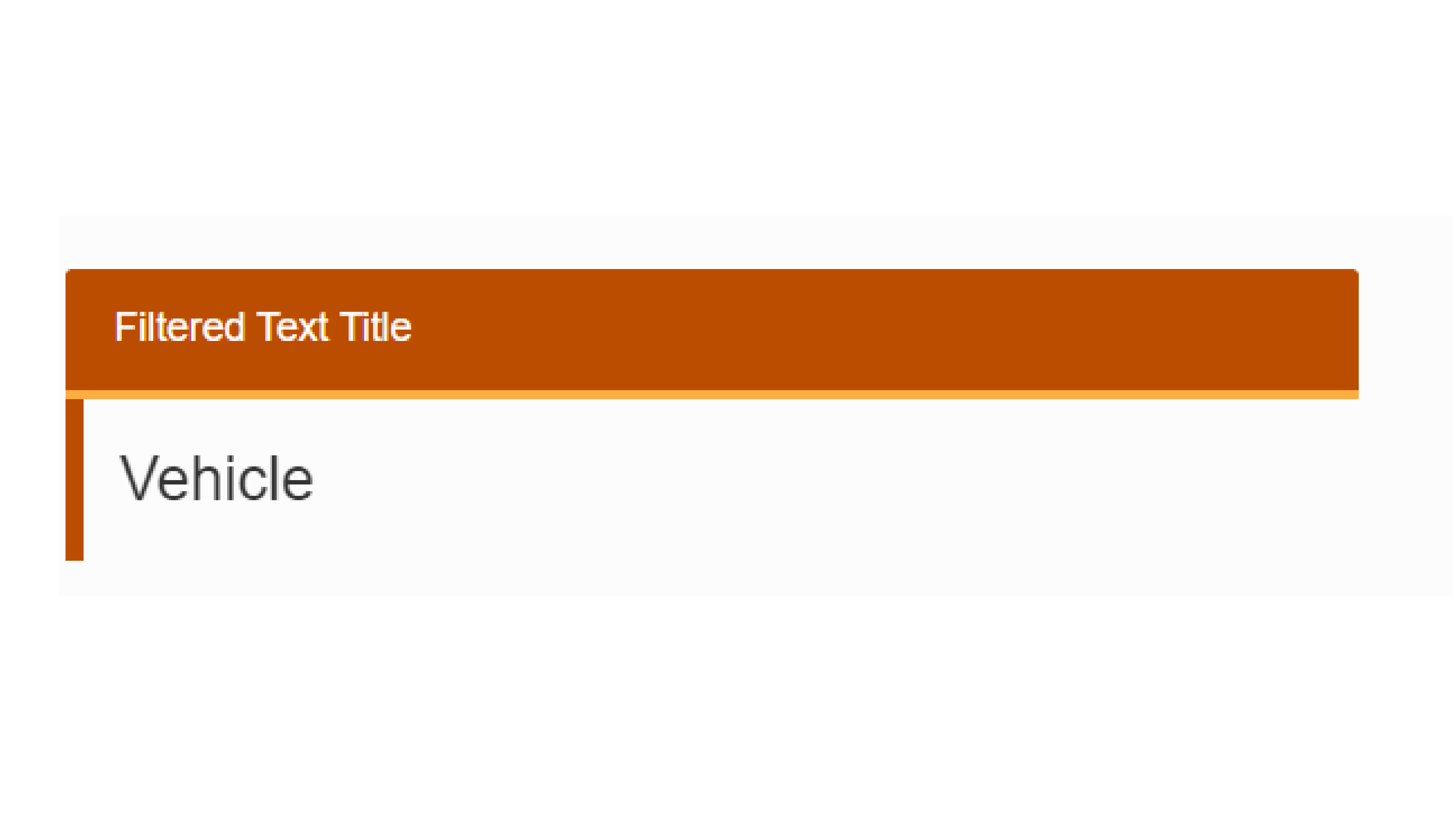
A Filtered Text component is a simplified way to display a value from your Data Set. It is similar in functionality to a variable Markup Include, but it does not provide fields for supporting text or Inline HTML Markup. It relies on the Title to give page users context for the value being displayed.
Content Source:
Office of Communications