



Implementing measures to prevent Ebola from entering the United States
On May 18, 2026, CDC and DHS implemented enhanced travel screening, entry restrictions, and public health measures to prevent Ebola virus disease from entering the United States amid ongoing outbreaks in East and Central Africa.

About the National Center for Emerging and Zoonotic Infectious Diseases
NCEZID works to prevent, detect, and respond to emerging and zoonotic infectious diseases.
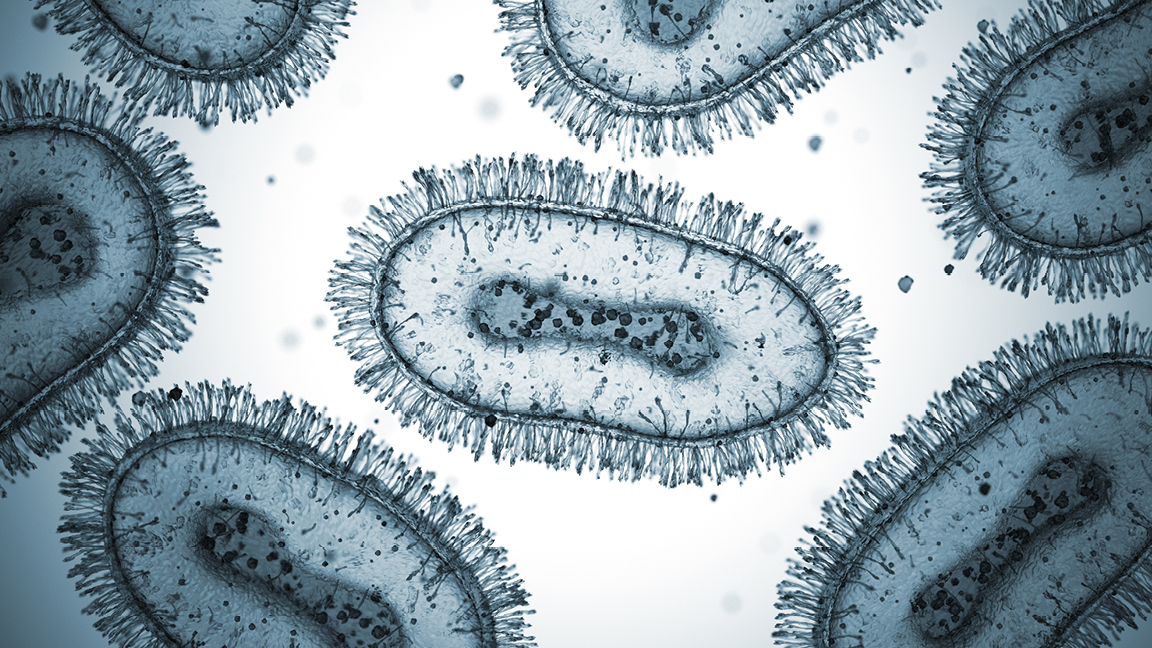
NCEZID's work covers diseases from A to Z - anthrax to Zika. Learn about our center's topics.
NCEZID Leadership Biographies

NCEZID is made up of eight divisions and three offices. Learn about our organization.
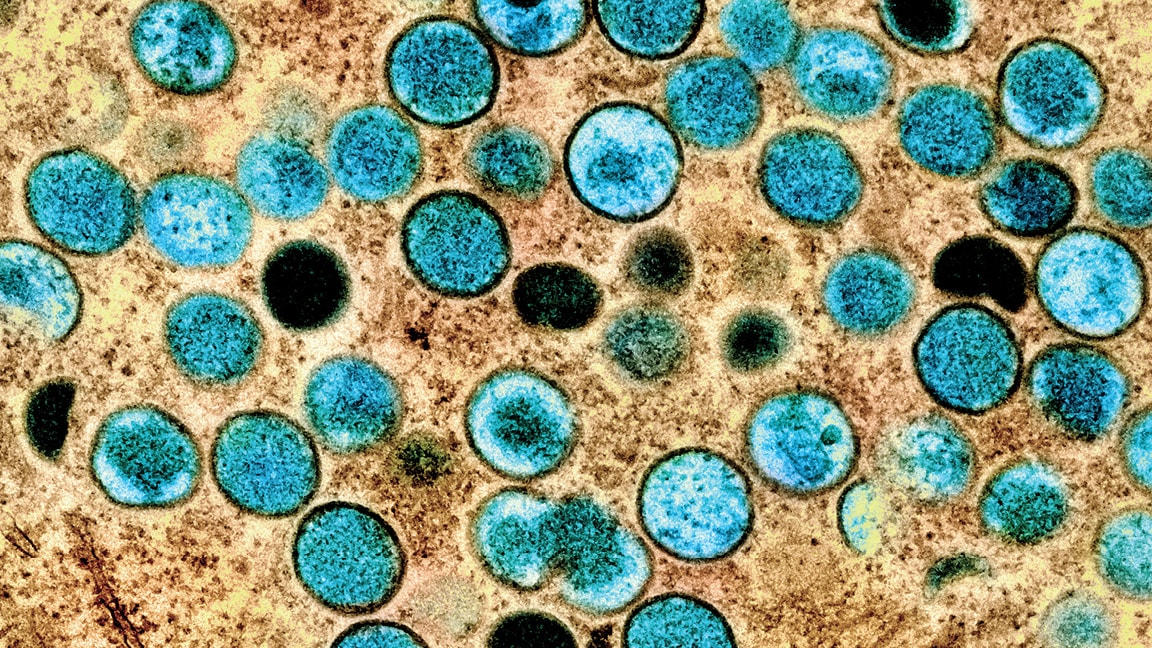
NCEZID's priorities include responding to public health outbreaks, antimicrobial resistance, and mor...
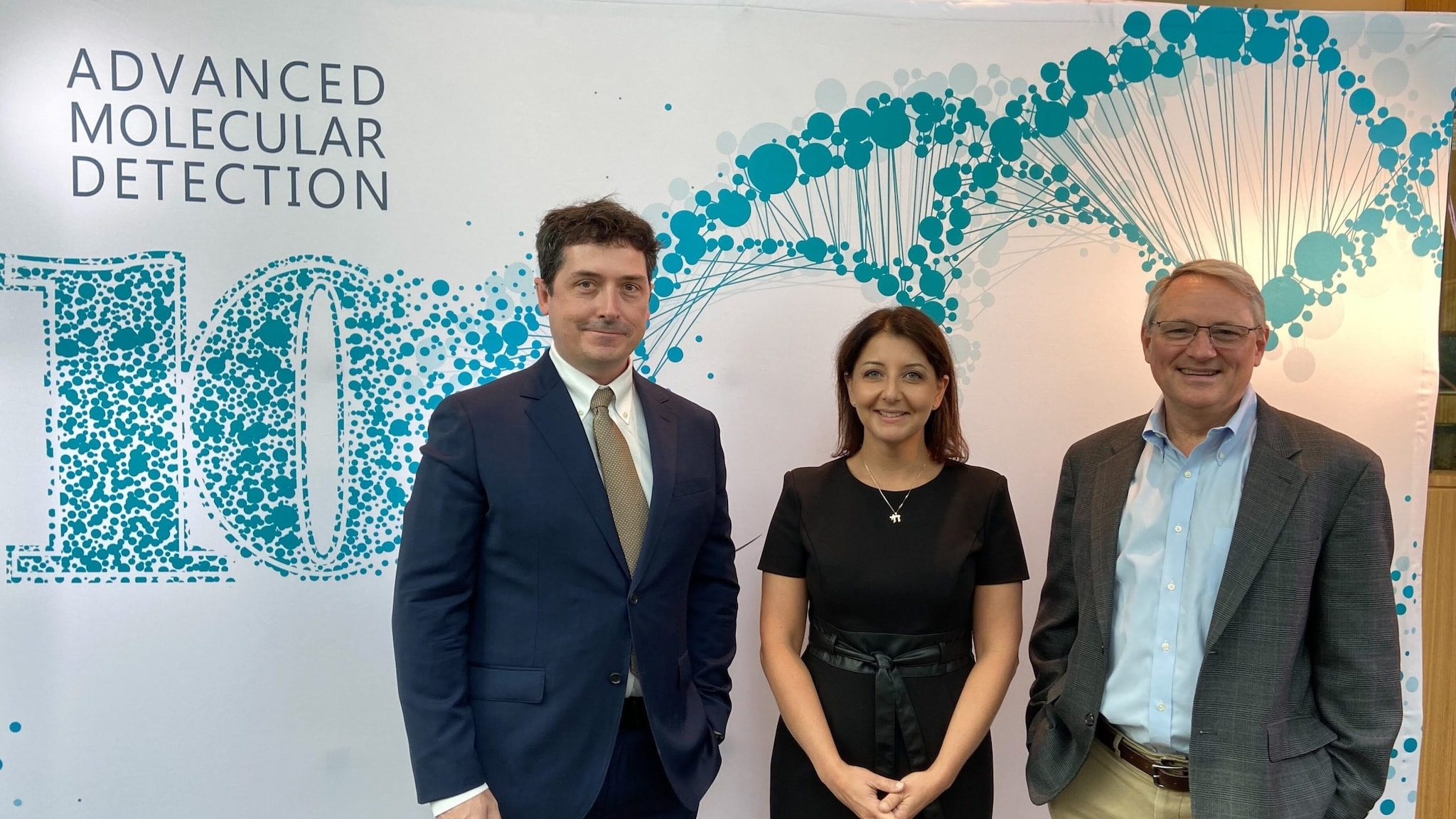
NCEZID works with partners to advance infectious disease prevention and control.
Featured
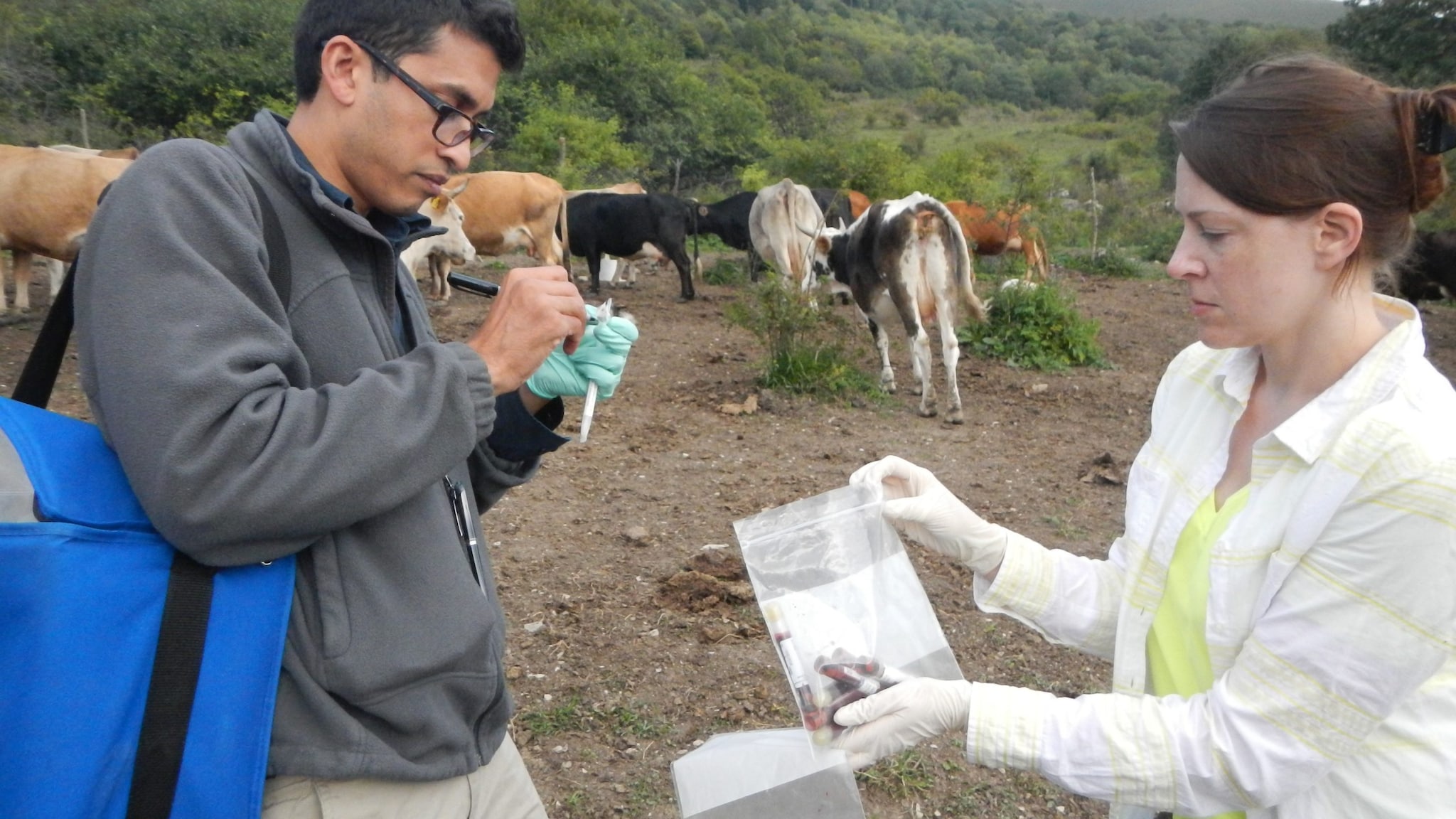
Learn about career opportunities at NCEZID.

Find funding opportunities from NCEZID.
Additional Resources
 CDC has authority to prevent the spread of infectious diseases into and throughout the United State...
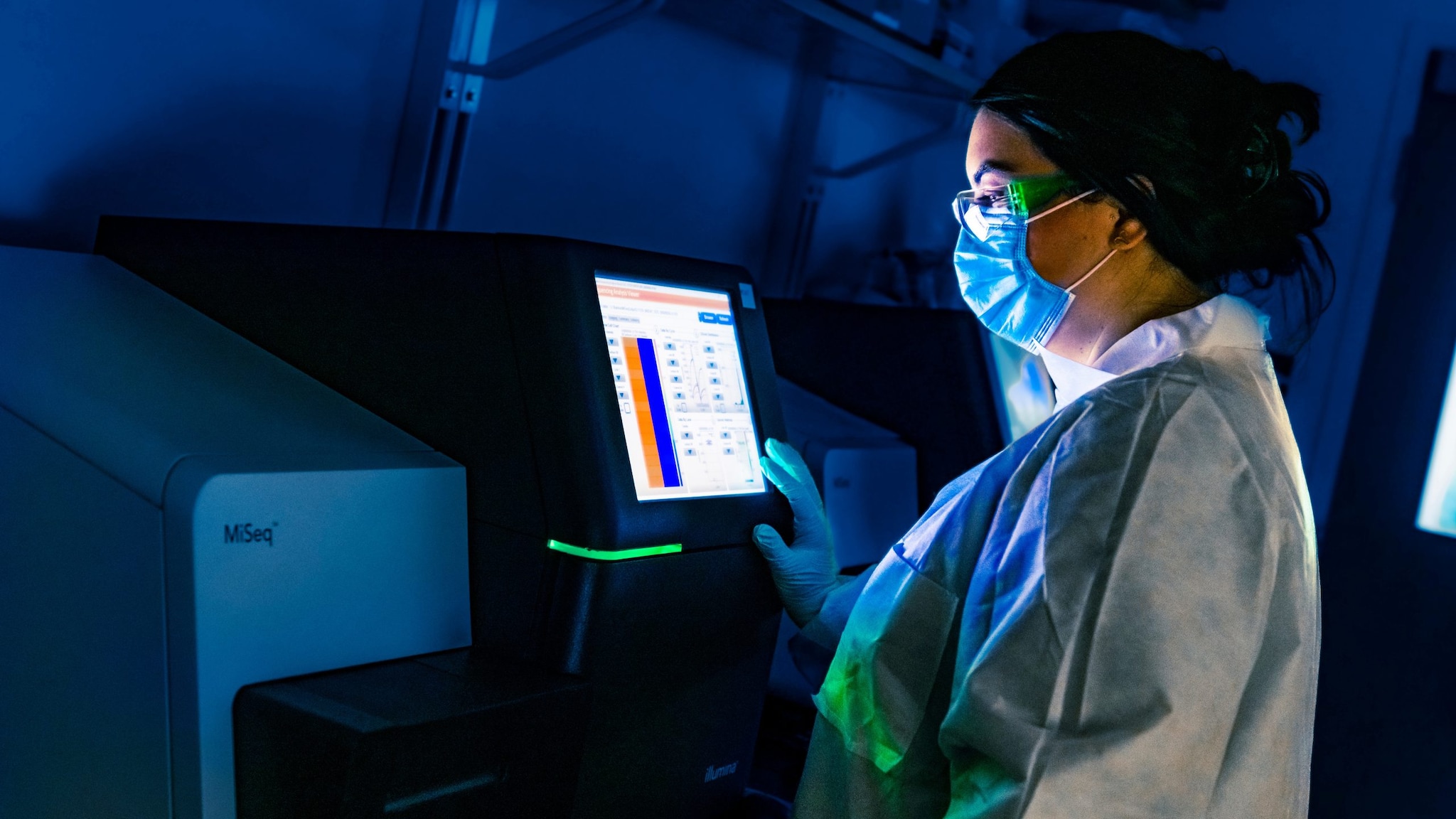 NCEZID maintains data initiatives and tools for public health professionals.
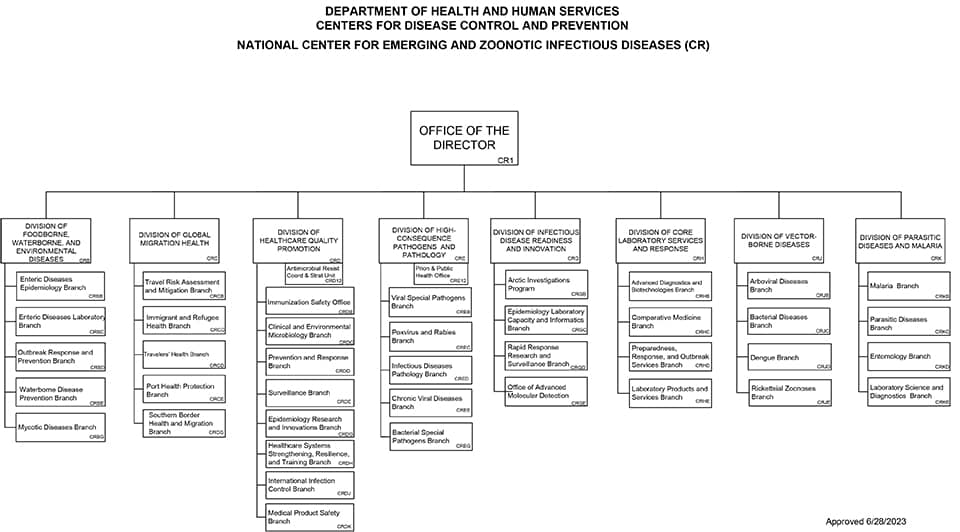 Download NCEZID's Organizational Chart